MixTalk
Run a live console by voice, text or touch.
In development
When your hands are busy
Name the channel instead of hunting for the fader. Voice is for quiet moments such as setup and rehearsal. In a loud room, type.
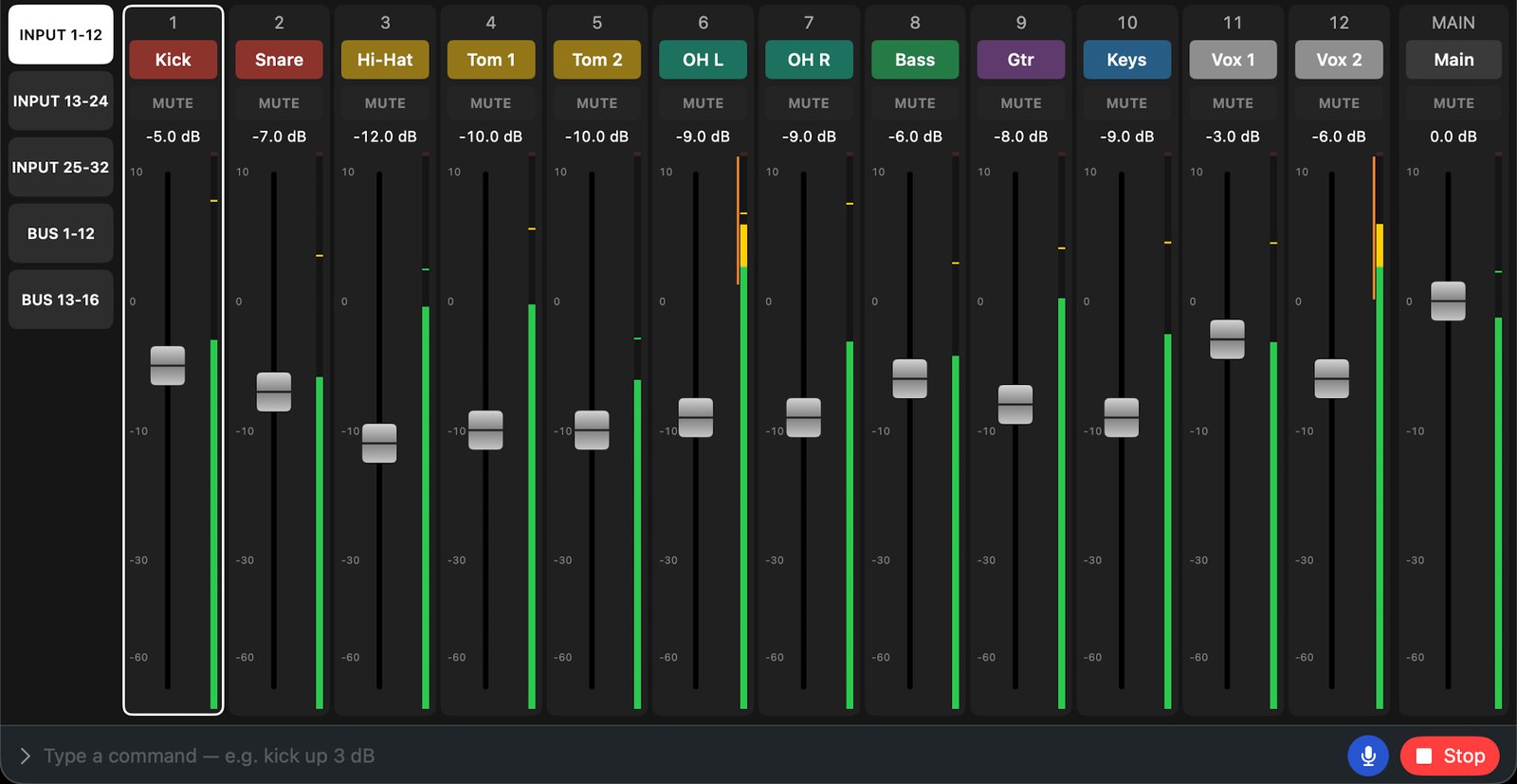
Laid out like a console
Channels, mutes, faders and meters, laid out like a console. This screen is in development, shown in demo mode.
In development
Not available to download yet. Details will be on this page when it is ready.
Safety
- Preamp gain, trim and phantom power are never changed by voice, text, scenes or automatic features — only by hand on screen (phantom needs a long press)
- Stop halts any changes in progress
Consoles and system
- In development for Behringer & Midas (X32, M32, WING, X Air), Yamaha, Allen & Heath, Soundcraft Ui and more. Supported models will be confirmed after testing with real consoles
- iPadOS 26 or later (App Store), macOS 26 or later (this site)
- The device and the console must be on the same network